Have you ever experienced your models getting more and more complex as you design a system? When I first started modeling systems with SysML, I remember getting a headache from all the packages and their relationships. I especially thought, "Can't I just use either 'import' or 'access'?" because they seemed so similar. However, once I understood the subtle difference between these two, the structure of my models became much clearer and their reusability increased! 😊
What is a SysML Package Diagram? 🏗️
First, let's briefly go over what a package diagram is. In SysML, a Package is like a folder that contains various elements of a model. It groups related elements such as requirements, blocks, and activities. This makes it easier to systematically organize a complex system and focus on a specific part of the model. A package diagram is a tool that visually represents these packages and the relationships between them.

The Most Confusing Dependencies: <import> vs. <access> 🧐
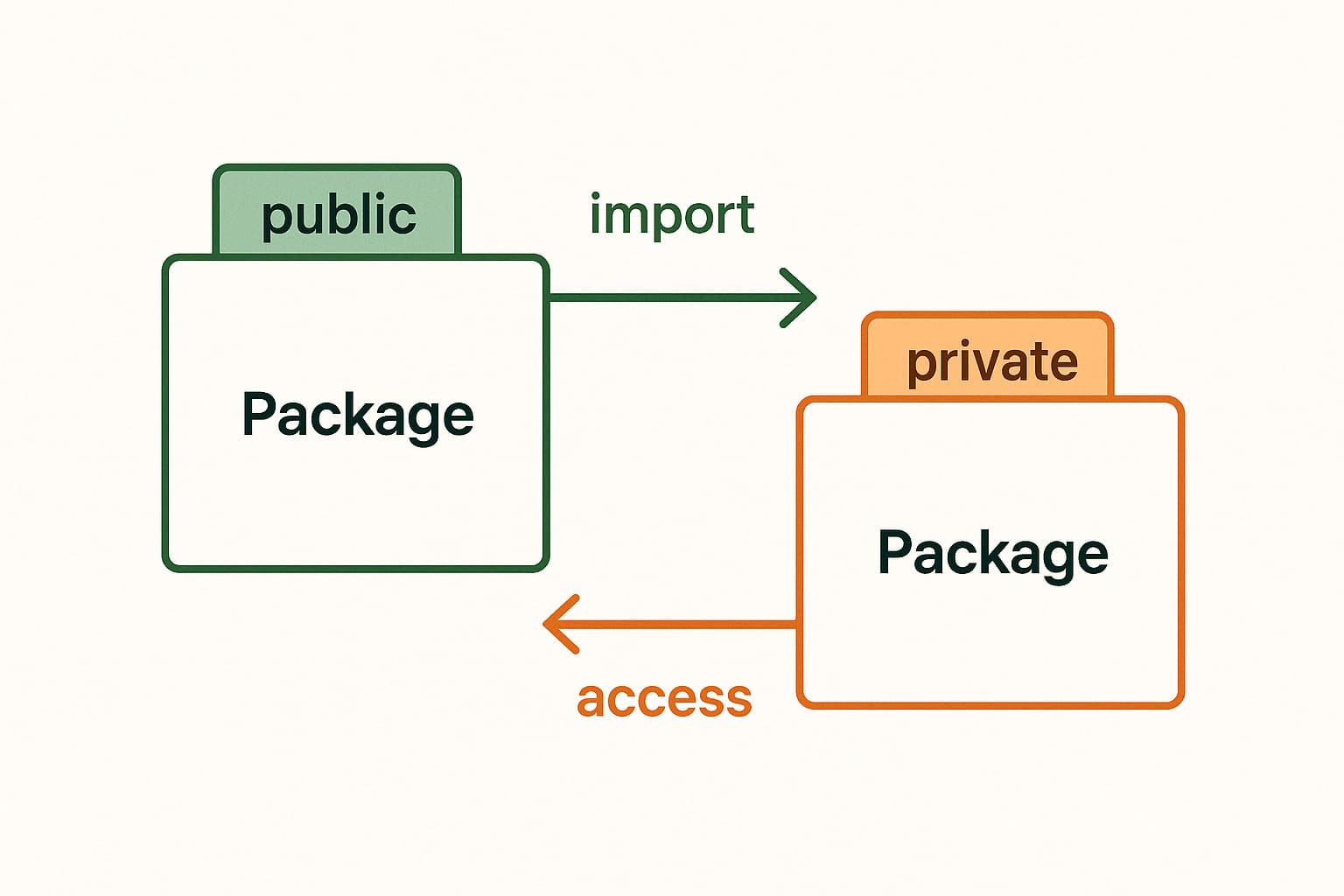
One of the most important things in a package diagram is setting the 'Dependency' between packages. Among them, `<import>` and `<access>` look similar in that they bring in and use elements from other packages, but there is a crucial difference. It's the 'Visibility' of the imported element, or its scope of access, that changes.
Simply put, it's easier to understand if you think of 'import' as "importing publicly" and 'access' as "importing privately (secretly)". Depending on which method you use, the level of encapsulation and reusability of your model can vary greatly.

Publicly Importing: <import> 🤝
An `<import>` relationship allows one package (namespace) to bring in the public members of another package and use them as its own. These imported elements have `public` visibility, so if another package `<import>`s this package, they can be used in a chain.
<import> Example 📝
- Situation: You want to use an element called `ElectricPower` from the `Foundation` package in the `PowerSubsystem` package.
- Method: Create an `<import>` relationship from the `PowerSubsystem` package to the `Foundation` package.
- Result: Now you can use `ElectricPower` directly within `PowerSubsystem`. If another package, say `Car`, `<import>`s `PowerSubsystem`, the `Car` package will also be able to use `ElectricPower`.

Privately Importing: <access> 🤫
The `<access>` relationship is similar to `<import>` in that it brings in elements from another package, but it restricts the imported elements to `private` visibility. This means that the imported elements can only be used within the package that imported them, and they are not visible and cannot be used even if another package `<import>`s that package. This is very useful when you want to hide the internal implementation of a model (encapsulation).
`<access>` prevents the indiscriminate propagation of model elements. By preventing elements that should only be used within a specific package from being accidentally used elsewhere, it prevents the creation of unintentionally complex dependencies.
<access> Example 📝
- Situation: As before, you want to use `ElectricPower` from the `Foundation` package in `PowerSubsystem`, but this element is only related to the internal implementation of `PowerSubsystem` and other packages do not need to know about it.
- Method: Create an `<access>` relationship from the `PowerSubsystem` package to the `Foundation` package.
- Result: You can use `ElectricPower` within `PowerSubsystem`. However, even if another `Car` package `<import>`s `PowerSubsystem`, it will not know about the existence of `ElectricPower` and cannot use it.

<import> vs. <access> at a Glance 📊
Now, let's summarize the key differences between the two relationships in a table.
| Category | <import> (Public Import) | <access> (Private Import) |
|---|---|---|
| Visibility | Public | Private |
| Reusability | Imported elements can be used in a chain by other packages | Imported elements can only be used within that package |
| Main Purpose | Sharing and increasing reusability of model elements | Hiding internal implementation, encapsulation, preventing unnecessary dependencies |
| Notation | Dashed arrow with the `<<import>>` keyword | Dashed arrow with the `<<access>>` keyword |

Key Summary 📝
I'll summarize what we've covered today on a single card. Just remembering this will make your SysML modeling much easier!
SysML Dependency Core Summary
Frequently Asked Questions ❓
Is the difference between `<import>` and `<access>` clearer now? It might be a little confusing at first, but you'll get used to it quickly if you try applying it to your models a few times. If you have any more questions, feel free to ask in the comments! 😊
This article is a re-reation of the core content of the article I wrote last year using AI. If you are interested in the original article, please refer to the HTML below!