Have you ever tried to assemble a complex system model and felt lost in a web of connections? I've been there! It feels like you're trying to connect a bunch of puzzle pieces without knowing how they're supposed to fit. In the world of Systems Engineering, clearly defining these 'connection points' is everything. That's where SysML's powerful concept of **Ports** comes into play. Think of them as designing the perfect 'handshake' between different system components. This post will guide you through understanding and using ports, making your system structures much more robust and understandable. 😊
What Exactly is a Port? 🤔
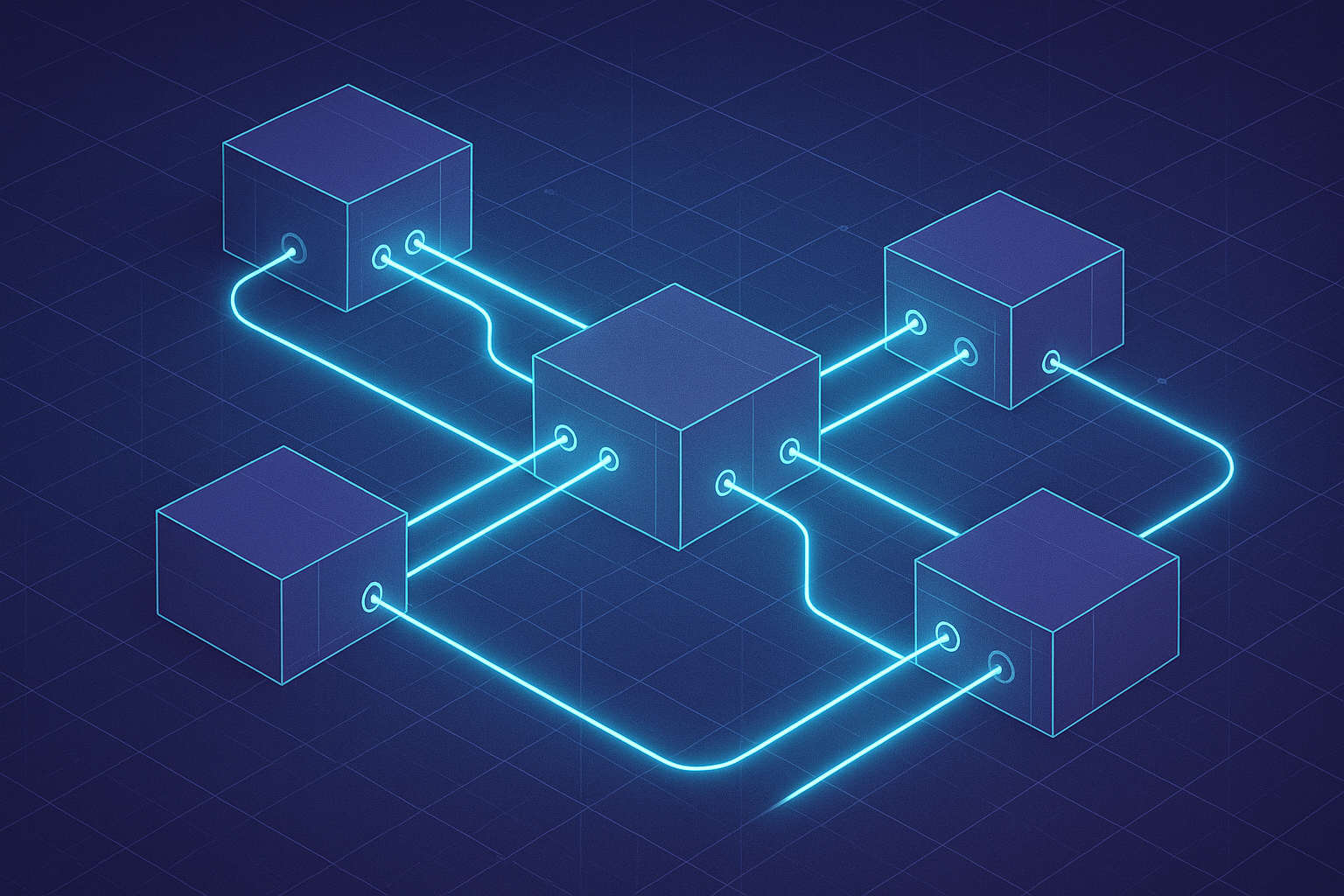
In SysML, a **Port** is essentially a dedicated interaction point located on the boundary of a block. [cite_start]It acts as a formal gateway for exchanging things like data, energy, or materials between the block and its environment. [cite: 1] It’s the door through which services are provided and requested.
[cite_start]By adding ports, you effectively treat a block as a 'black box'. [cite: 2] This means other parts of the system don't need to know about the block's messy internal details; they only need to understand the services and flows available at its ports. [cite_start]This encapsulation is a lifesaver, as it allows you to redesign the internals of a block without breaking the rest of your system design, saving a ton of time and effort. [cite: 3]
The decision to use a port, and which type to use, depends entirely on how you intend for the block to be used and what you want to represent. Is it a physical part, or just a functional interface? [cite_start]Answering this question is the first step. [cite: 6]
Full Ports vs. Proxy Ports 📊
SysML gives us two main flavors of ports: Full Ports and Proxy Ports. They might look similar, but their modeling intent is quite different. Let's break it down.
[cite_start][cite_start][cite_start][cite_start][cite_start][cite_start]| Feature | Full Port | Proxy Port |
|---|---|---|
| Concept | Represents a distinct, physical part of its parent block. [cite: 4] | Provides access to the block's features without being a distinct part itself. [cite: 5] |
| Typed By | A Block. [cite: 4] This allows it to have its own internal structure and behaviors. | An Interface Block, which cannot have internal parts or behaviors. [cite: 5] |
| Analogy | Similar to a "Part" Property. [cite_start]It's part of the system's physical hierarchy. [cite: 7] | Similar to a "Reference" Property. [cite_start]It's a pointer to a set of functions. [cite: 10] |
| Primary Use | To specify interfaces in terms of physical parts of the system. [cite: 6] | To designate a system as a black box and expose a select set of features. [cite: 9] |
While a Full Port is part of its owner (like a car's engine is part of the car), a Proxy Port is more like a remote control; it provides access to the car's functions (like locking the doors) but isn't a physical component of the car itself.
Practical Example: Modeling a Battery Input 🛠️
Theory is great, but let's see how this works in practice. We'll model a simple battery power input for an ECU (Electronic Control Unit) using Enterprise Architect (EA). It's a classic example you'll find in almost any electronic device.
Step 1: Setting up the BDD and Full Ports 📝
First, I set up a Block Definition Diagram (BDD). I created blocks for `Battery`, `ECU`, `SMPS`, and a `Battery_Input_Context` block to hold the overall interaction. [cite_start]The ECU contains an SMPS, so they are linked with a Part Association. [cite: 17]
The ECU needs a physical connector to receive power. This is a perfect use case for a Full Port because it's a real component on the Bill of Materials. [cite_start]I added a Full Port named `Main_Connector_Female` to the `ECU` and a corresponding `Main_Connector_Male` to the `Battery`. [cite: 19]
To model the internals of these ports, I created two new blocks, `Main_Connector_Male` and `Main_Connector_Female`, and assigned them as the 'Type' for their respective ports. [cite_start]This lets us detail the port's structure separately. [cite: 20]
Step 2: Defining the Connection with an Association Block 🔗
How do the male and female connectors interact? For this, we use an Association Block. I created one called `Main_Connection` to link the two connector blocks. [cite_start]This special block lets us model the details of the association itself. [cite: 25]
Inside the `Main_Connection`'s Internal Block Diagram (IBD), I can now show how the `Power_Out` pin of the male connector connects to the `Power_In` socket of the female connector, and so on. [cite_start]This clearly defines the interaction logic within the connection. [cite: 26]
Step 3: Nested Ports and Internal Connections 🔌
Our connectors aren't single points; they have multiple pins (`Power_In`, `GND_In`). These are modeled as Nested Ports within our main connector ports. [cite_start]By defining `Pin` and `Socket` blocks and adding them as Full Ports to our connector blocks, we create this nested structure. [cite: 27, 28, 29]
[cite_start]Finally, inside the ECU's IBD, I can draw a connector from the `Main_Connector_Female` port to the `SMPS` part, showing how power flows from the external interface to an internal component. [cite: 30]
A Quick Switch: Using a Proxy Port 🔄
Thinking about it, we don't really care about the physical structure of the battery's connector. We just need to know it provides power. This is a better fit for a Proxy Port. It simplifies the model from our ECU's perspective.
I changed the battery's port from Full to Proxy. Its type is now an `Interface Block` (which can't have internal structure) that simply lists the available functions: `Power_Out` and `GND_Out`. [cite_start]The modeling intent is now clearer: we are accessing a behavior (providing power) rather than connecting to a physical part. [cite: 31, 32]
- Conjugate Ports: If two blocks have similar interfaces but with opposite directions (e.g., a transmitter and a receiver), you can reuse the same interface block. Just mark one port as a conjugate with a tilde `~` (e.g., `~MyInterface`). [cite_start]This reverses the direction of all its flows. [cite: 33, 34, 35] [cite_start]
- Flow Direction: To show direction arrows on ports, you must add a `Flow Property` to the port's typing Block/Interface Block and set its direction (in, out, or inout). [cite: 36, 37]
Summary: The Power of Ports 📝
To wrap it up, ports are the cornerstone of designing clean, modular, and reusable system architectures in SysML. They are how we design the 'handshakes' between different parts of our system.
- Encapsulation: Ports let you hide internal complexity, allowing you to modify components without causing a ripple effect across your entire design.
- Clarity of Intent: Choosing between Full and Proxy ports makes your model's intent clear. Are you connecting physical parts (Full Port) or accessing functionalities (Proxy Port)?
- Detailed Interactions: Using Association Blocks and Nested Ports allows you to define the exact nature of a connection, right down to the pin level.
While this post doesn't cover every single nuance, I hope it gives you a solid foundation and the confidence to start modeling your system interfaces more effectively!
SysML Ports at a Glance
Frequently Asked Questions ❓
I hope this clears up the world of SysML ports for you! It's a concept that truly elevates your modeling skills once it clicks. If you have more questions or want to share your own experiences, please leave a comment below! 😊
This article is a re-reation of the core content of the article I wrote last year using AI. If you are interested in the original article, please refer to the HTML below!